

There is a conversation happening in every blogging community right now — and it usually goes one of two ways.
One group says AI has ruined content. Everything sounds the same, nobody has a voice anymore, and readers can spot AI writing from the first paragraph. The other group says AI has made them three times more productive and they would never go back.
Both groups are partially right. The difference between them is not whether they use AI — it is how they use it.
AI used badly produces the content everyone is sick of reading — generic, structured to death, full of phrases like “In today’s fast-paced world” and “Let’s dive in.” AI used well produces content faster, with better structure and fewer gaps, while the human voice, perspective, and judgement remain entirely yours.
This post is about the second way. Specifically — how to use AI as a writing tool without losing what makes your content worth reading in the first place.
The Right Mindset — AI as a Tool, Not a Ghostwriter
Before the tactics, the mindset matters.
The bloggers producing genuinely good AI-assisted content treat AI the way a carpenter treats a power saw. The carpenter does not let the saw decide what to build, where to cut, or what the finished piece should look like. The saw makes the work faster and more precise. The carpenter brings the design, the judgement, and the craft.
AI in blogging works exactly the same way. You bring the topic knowledge, the angle, the personal experience, the opinion, and the editorial judgement. AI helps you structure faster, get past blank-page paralysis, check your logic, and fill gaps you might have missed.
The moment you hand the entire job to AI — start to finish — you get content that reads like it came from a machine. Because it did. And in 2026, readers recognise that immediately.
Use AI to go faster. Keep the voice entirely yours.
Where AI Actually Helps in the Writing Process
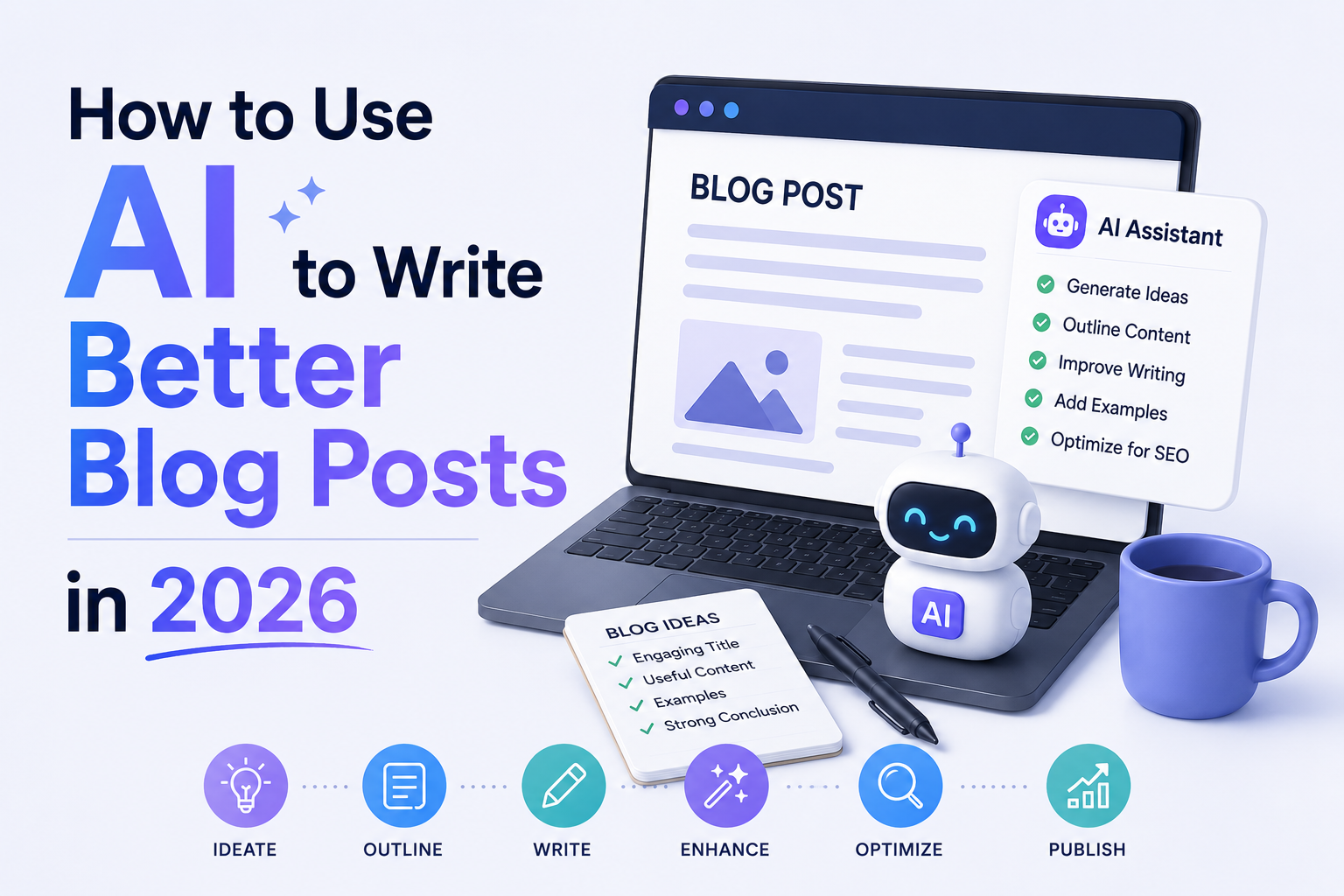
Used at the right moments, AI is genuinely valuable. Here are the specific stages where it earns its place:
Brainstorming and topic research. Ask AI to generate 20 angle variations on a topic you want to cover. You will not use most of them, but three or four will trigger an idea you would not have landed on alone. This is one of the highest-value uses — it expands your thinking quickly without replacing it.
Creating a first-draft outline. Give AI your topic, your target audience, and your main angle, and ask it to suggest a structure. A good outline from AI gives you a skeleton to react to — you will move sections, cut some, add others — but starting from a structure is significantly faster than building one from scratch.
Overcoming the blank page. Sometimes the hardest part of writing is the first paragraph. Ask AI to write three different opening paragraphs for your post — different tones, different hooks. You will almost certainly rewrite all three, but the act of reacting to something on the page breaks the paralysis.
Filling factual gaps. If you are writing about a topic and realise you need a brief explanation of a concept you are not expert on — ask AI to explain it simply. Verify the information independently, then rewrite it in your own voice.
Headline and meta description variations. Give AI your post topic and focus keyword and ask for 10 headline options. Then pick the one that fits best or combine elements from two of them. This is faster than staring at a blank title field for twenty minutes.
Checking readability and flow. Paste a section of your draft and ask AI to identify where the logic jumps, where transitions are weak, or where a sentence is harder to read than it needs to be. Use the feedback to edit — do not paste the AI’s rewrite back in directly.
Where AI Gets in the Way
Knowing where not to use AI matters as much as knowing where it helps.
Your personal experiences and opinions. If your post includes a story from your own life, an opinion you have formed from real experience, or a perspective shaped by your professional background — write that yourself, always. AI cannot replicate lived experience, and that lived experience is often exactly what makes a post worth reading over the thousands of generic alternatives on the same topic.
Your introduction and conclusion. These are the two parts of a post where your voice matters most. The introduction is where a reader decides whether to keep reading. The conclusion is what they remember. Both should be entirely yours — not edited AI output, but written from scratch in the way you naturally think and speak.
Anything requiring current information. AI has knowledge cutoffs and can confidently state outdated information as current fact. For anything time-sensitive — prices, statistics, recent events, product availability — verify independently and write it yourself based on current sources.
The editorial judgement calls. Deciding what to include and what to cut. Deciding which example best illustrates a point. Deciding when a section is getting too long. These are judgement calls that require understanding your specific audience — something AI does not have.
A Practical Workflow for AI-Assisted Blog Writing
Here is a workflow that produces genuinely good content efficiently — one that treats AI as a tool at specific stages rather than a replacement for the writing process:
Stage 1 — Define the post yourself (no AI yet) Write down your topic, your specific angle, who you are writing for, what you want them to take away, and one personal experience or perspective you can bring to it. This takes five minutes and grounds everything that follows.
Stage 2 — Use AI for the outline Give AI your topic, angle, and audience. Ask for a suggested post structure. Review it, restructure it based on your own judgement, remove what does not fit, add sections the AI missed.
Stage 3 — Write the introduction yourself Before touching AI again, write your opening two or three paragraphs yourself. Set the voice. Establish why this topic matters. This takes longer than asking AI to do it — and it is worth every minute.
Stage 4 — Use AI section by section for drafting support For each section of your outline, you can ask AI to draft a version — but treat it as a rough draft to react to, not a finished section to paste in. Read it, take what is useful, discard what is generic, and rewrite in your own words and voice.
Stage 5 — Write the conclusion yourself Same principle as the introduction. The ending is yours.
Stage 6 — Edit the full draft for voice consistency Read the entire post aloud. Anywhere that sounds stiff, formal in a way you would not naturally speak, or like a different person wrote it — rewrite those sections. The goal is a post that sounds like one person wrote it from start to finish.
Stage 7 — Final checks Verify any facts, statistics, or specific claims AI contributed. Run a final read for flow. Add your internal links. Write your meta description.
Prompting Tips That Make AI Dramatically More Useful
The quality of AI output depends almost entirely on the quality of the instruction you give it. Vague prompts produce generic output. Specific prompts produce something genuinely useful.
Tell AI who you are writing for. Instead of “write an outline for a blog post about SIP investing” try “write an outline for a blog post about SIP investing aimed at Indian salaried professionals aged 25 to 35 who have never invested before and feel confused by financial jargon.”
Give AI your angle. “Write a blog post about productivity apps” produces something generic. “Write a blog post about productivity apps that argues most people use too many apps and would benefit from using fewer, more intentionally” gives AI a specific argument to build around.
Ask for options, not one answer. “Give me 10 headline ideas” produces more useful output than “give me a headline.” You want raw material to select from, not a single suggestion that feels like a take-it-or-leave-it offer.
Tell AI what to avoid. Add instructions like “do not use phrases like ‘In today’s fast-paced world’, ‘Let’s dive in’, or ‘game-changer'” — AI will avoid those specific patterns if you name them explicitly.
Ask AI to critique your draft, not rewrite it. “What are the three weakest parts of this draft and why?” produces more useful feedback than “improve this draft” — because improvement requires your voice, not AI’s.
How to Edit AI Output So It Sounds Like You
This is the skill that separates bloggers who produce genuinely good AI-assisted content from those who produce content that reads like every other AI-assisted blog.
Read every AI-generated sentence and ask: would I naturally say this? If the answer is no — rewrite it in the way you would naturally say it. Not editing AI’s version of the sentence. Rewriting it fresh, with AI’s version as context.
Cut filler transitions. AI loves phrases like “It is worth noting that”, “Additionally”, “Furthermore”, and “In conclusion.” These are verbal padding. Cut them and connect the ideas directly.
Add specificity. AI writes in generalities. You have specific knowledge, specific examples, and a specific context — India, your professional experience, your audience’s real circumstances. Replace AI’s generic examples with specific ones from your own knowledge.
Vary your sentence length. AI output tends toward consistent sentence length which creates a rhythm that feels mechanical after a few paragraphs. Short sentences. Then a longer one that develops an idea more fully and gives the reader’s brain room to settle into the point. The variation is what makes prose feel human.
Tools Worth Using in 2026
A few AI tools worth knowing for blog writing specifically:
Claude — Strongest for long-form writing assistance, document analysis, and maintaining consistent tone across a long post. Particularly good at following detailed, nuanced instructions about voice and style.
ChatGPT — Versatile and reliable for outlines, headline generation, and research summarisation. The largest ecosystem of integrations makes it easy to fit into existing workflows.
Gemini — Best for research that requires current information since it connects to Google Search in real time. Useful for finding recent statistics and verifying current facts quickly.
Hemingway Editor — Not an AI writing tool but an invaluable editing tool. Paste your draft and it highlights sentences that are too complex, passive voice, and readability issues. Free to use in the browser.
As someone building Blogerzilla across Tech, Finance, and Travel — having a basic familiarity with all three AI assistants gives you flexibility to use each where it serves best. If you want a detailed comparison of how these tools differ, our post on ChatGPT vs Gemini vs Claude covers exactly that.
Final Thoughts
AI has changed blogging. That is not a controversial statement in 2026 — it is simply true. The question is not whether to use it but how to use it in a way that makes your content better rather than more generic.
The bloggers who will build genuine audiences over the next five years are not the ones who use AI the most. They are the ones who use it most intentionally — to move faster, to structure better, to check their thinking — while keeping their own voice, perspective, and judgement at the centre of everything they publish.
Your experience running TechNextHub, your perspective as an entrepreneur, your understanding of what Indian readers actually need — none of that lives inside any AI tool. It lives in you. AI just helps you get it onto the page faster.
Use it that way, and it is a genuine advantage.
Key Takeaway
AI is most valuable in blogging when used at specific stages — outlining, brainstorming, drafting support, and headline generation — not as a start-to-finish ghostwriter. Write your introduction, conclusion, and personal perspectives yourself. Give AI specific, detailed prompts rather than generic ones. Edit AI output by rewriting rather than tweaking. The goal is content that moves faster to produce but sounds entirely like you — because the parts that matter most are entirely yours.